prompt
Describe the change
Write richer prompts with project context, screenshots, files, and runtime errors close at hand.
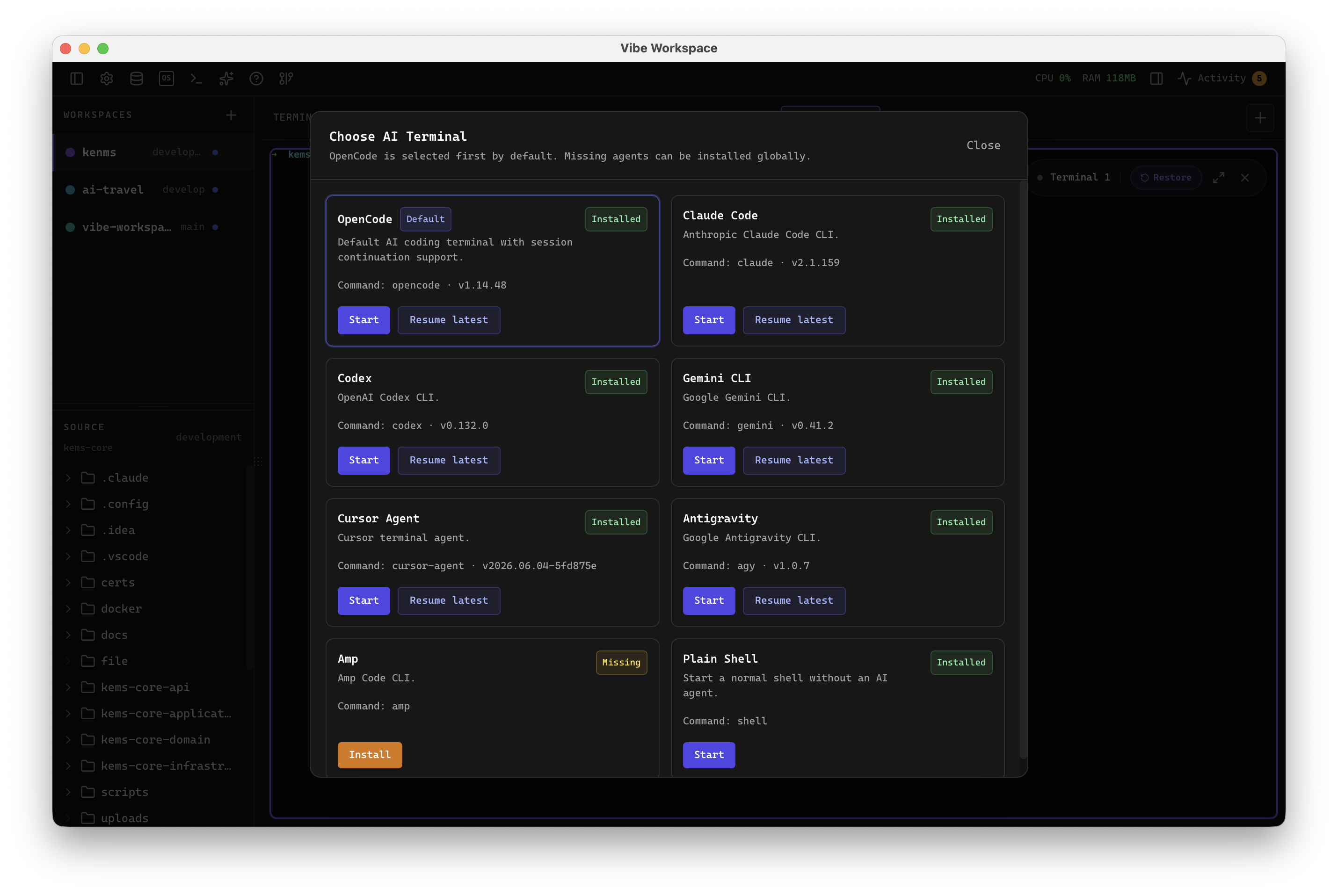
VibeWorkspace is a vibe coding IDE where your AI sees your whole dev context. Run Claude Code, Codex, Gemini, and any CLI in parallel across every repo with your editor, browser, HTTP client, and database in one window.
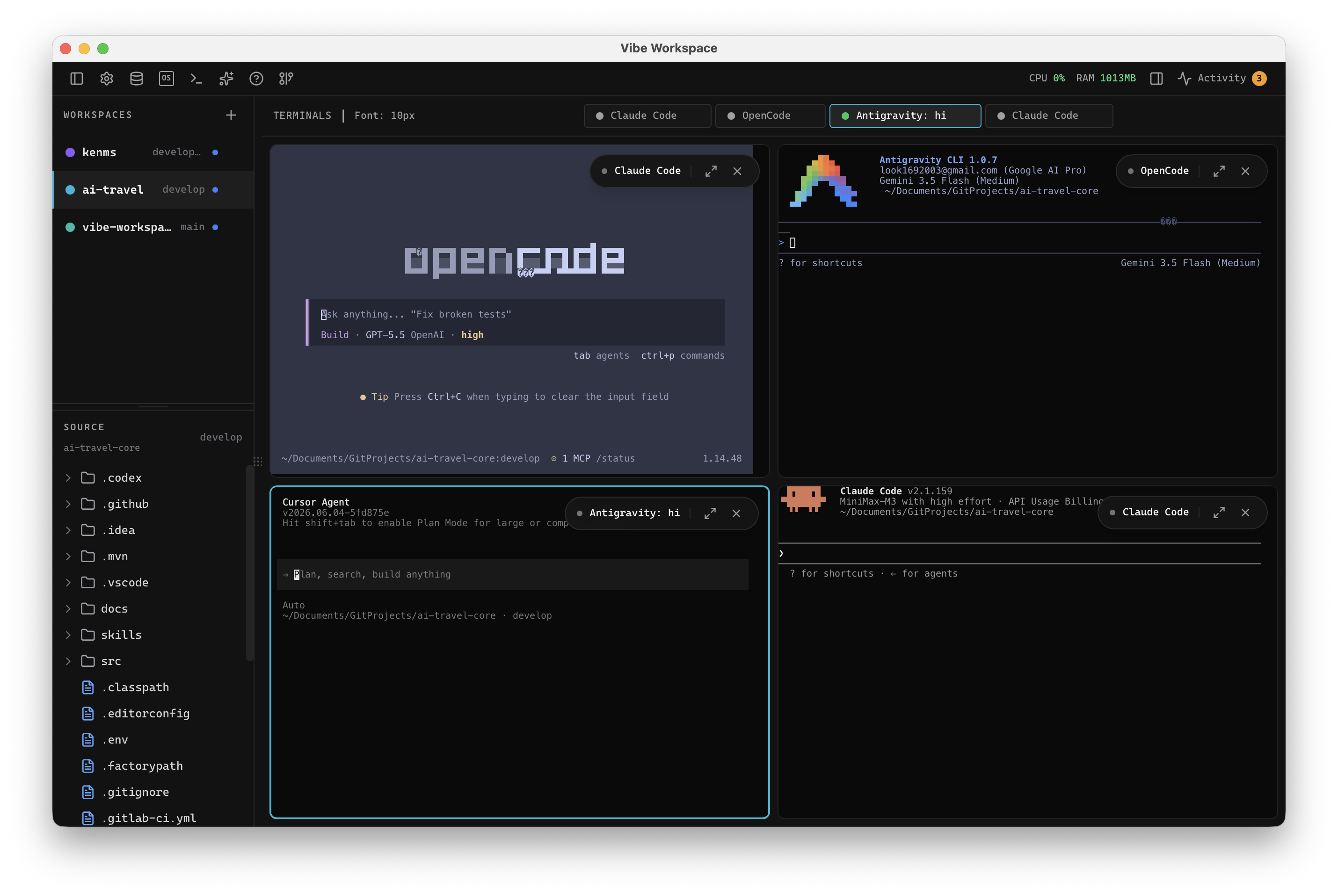
Vibe coding works best when your prompt, terminals, browser errors, database results, HTTP responses, file changes, and AI diffs stay together. VibeWorkspace turns that AI-assisted loop into one focused desktop workspace instead of scattered terminal tabs and browser windows.
Write richer prompts with project context, screenshots, files, and runtime errors close at hand.
Use Claude Code, Codex, Gemini, OpenCode, Cline, or any terminal CLI across multiple projects.
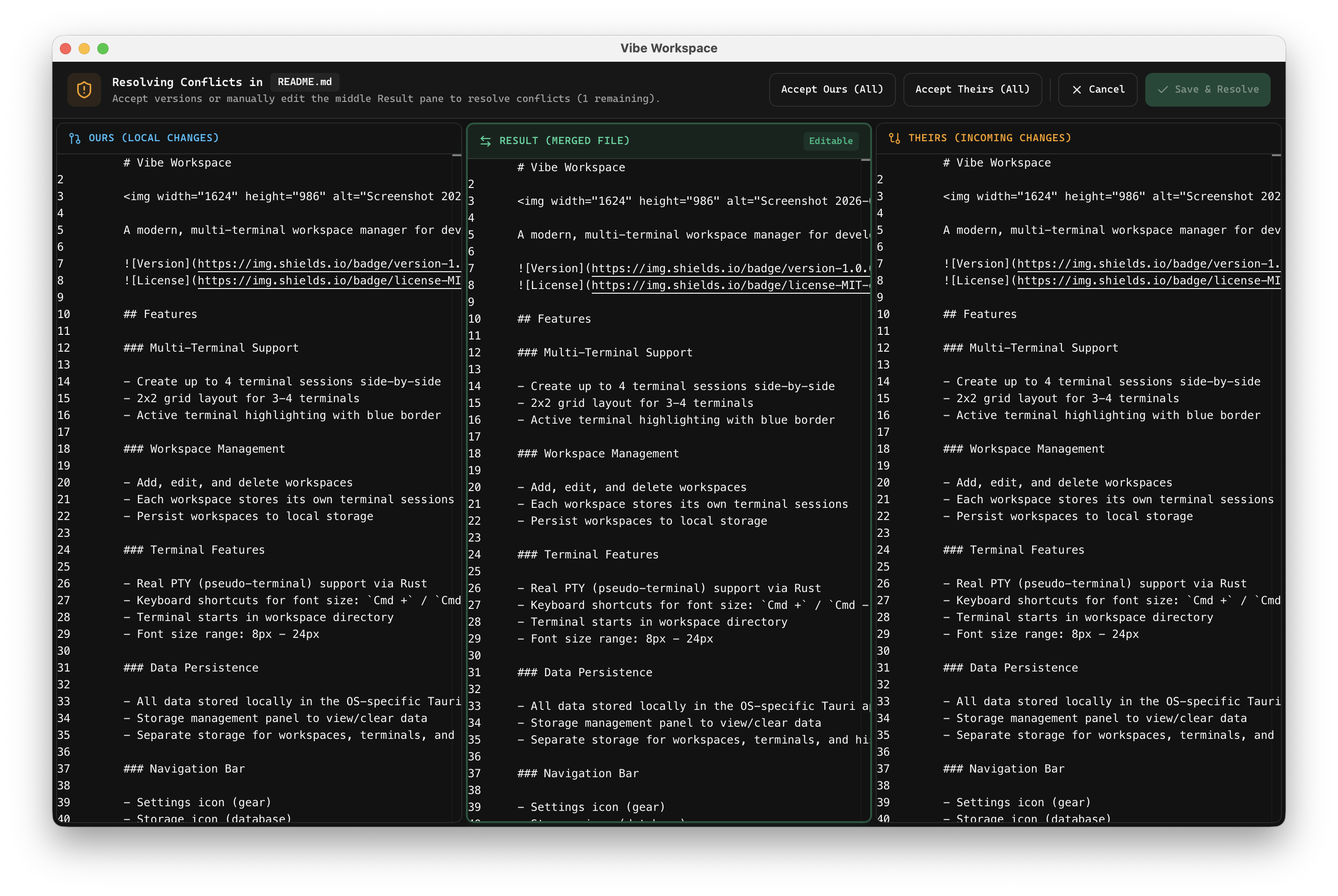
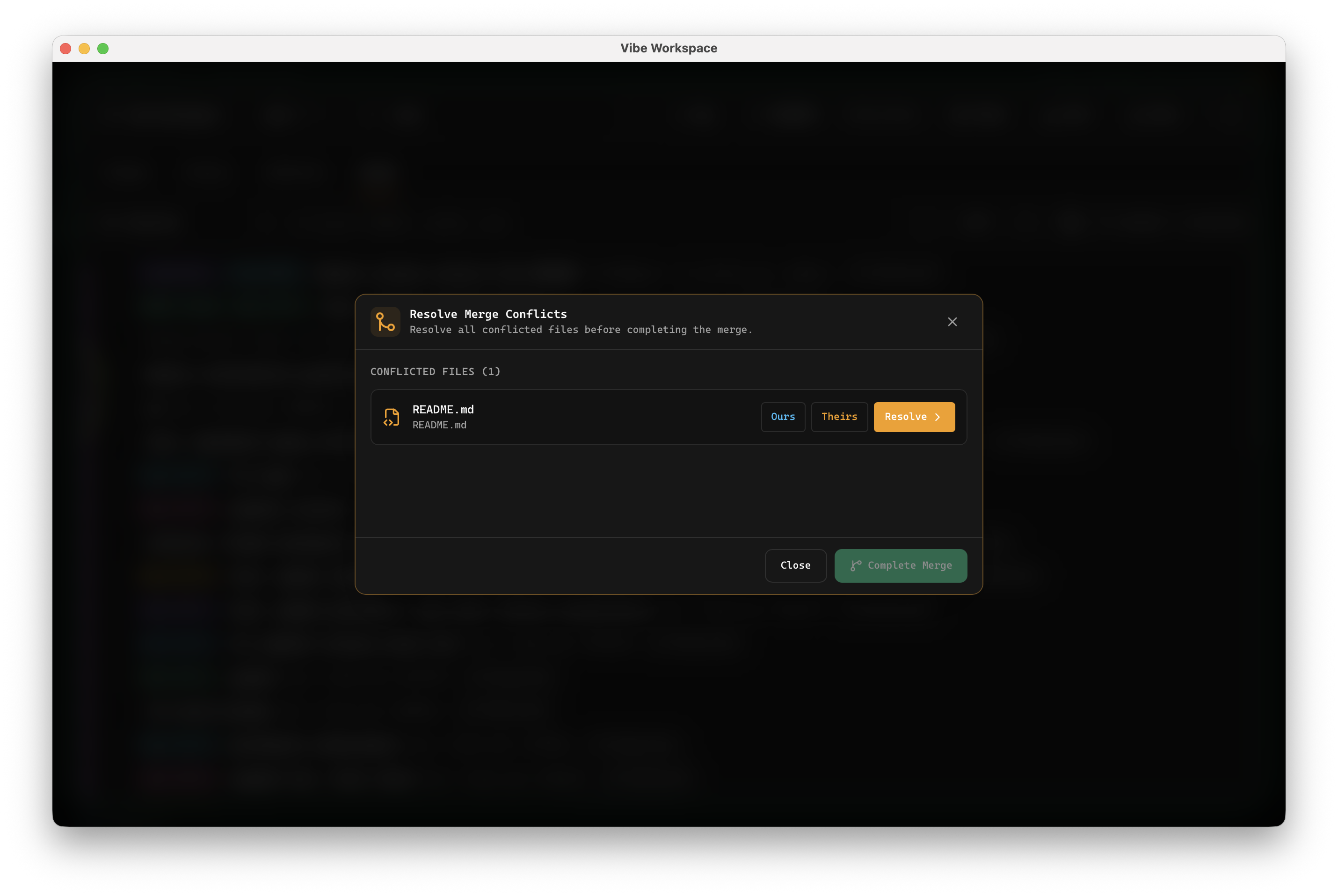
Inspect AI-generated changes, resolve conflicts, and keep control before code touches your repo.
Resume projects, terminals, browser state, database context, and agent sessions without rebuilding your workspace.
Terminal tabs, browser previews, dashboards, databases, HTTP requests, and GitHub reviews all scatter your context. VibeWorkspace puts the loop in one place.
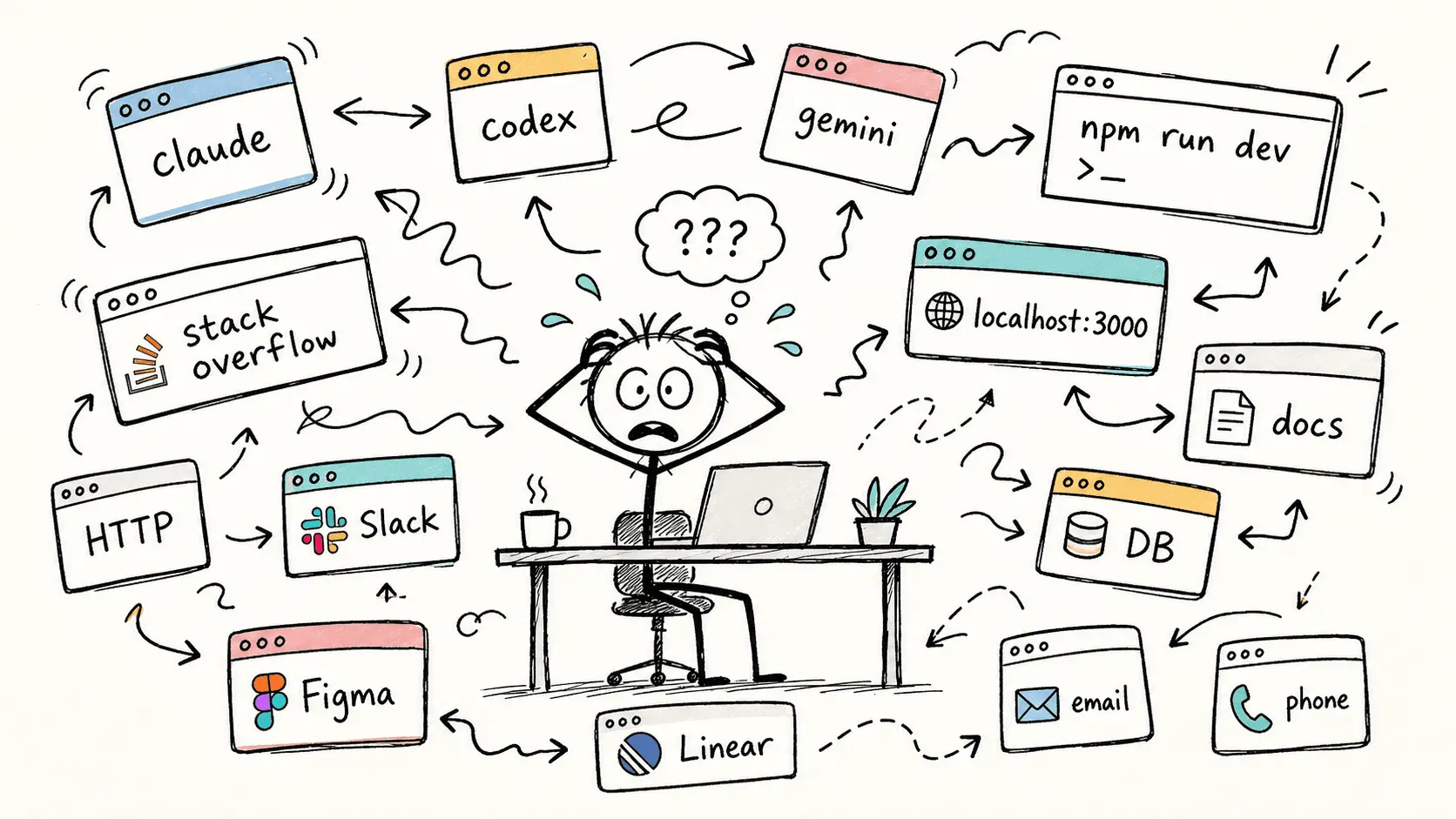
Floating terminals, browser tabs, DB clients, HTTP clients, logs, and chat tools.
Every project and agent session lives in a persistent, named workspace.
Lifetime access. No subscriptions. Start with a 7-day full trial.
Less tab hunting, fewer restarts, and no copy-paste context loops.
It cannot host the browser, DB, HTTP client, GitHub context, and visual state your agent needs.
Single-line prompts miss rich text, drag-and-drop files, image previews, screenshots, and annotations.
When many agents run across many repos, knowing who is running, waiting, done, or stuck becomes a job by itself.
Console errors, network calls, SQL results, AI diffs, file changes, and screenshots are one click away from your agent. No context lost between tabs.
Browser preview, HTTP response, DB result, terminal output, and editor changes can feed into Claude, Codex, Gemini, or another CLI without copy-paste.
Fire one prompt at many agents at once, @mention another agent for review, and monitor every project from a single command center.
Per-agent badges show who is running, waiting, or done. Ask Codex to review what Claude shipped without switching windows.
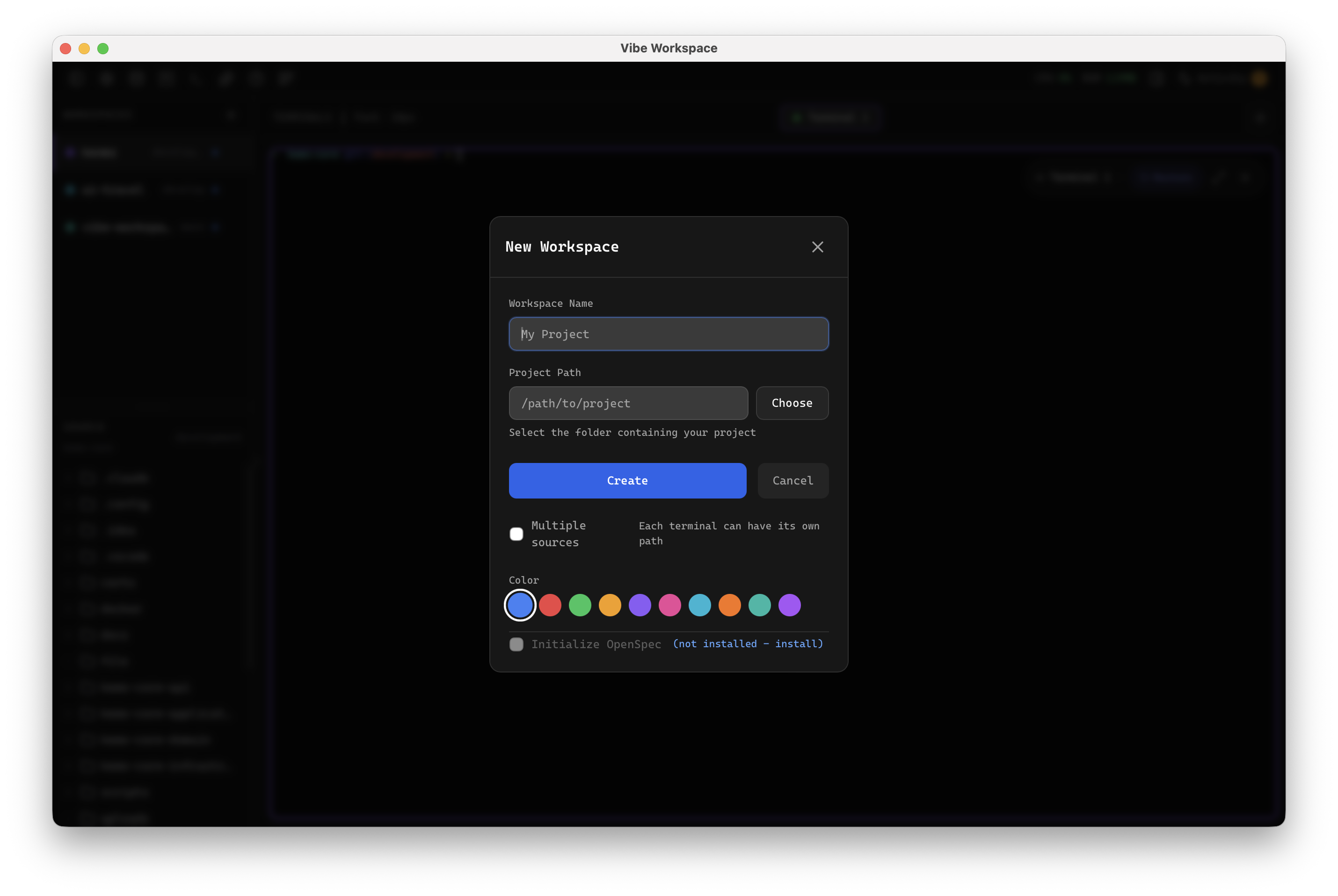
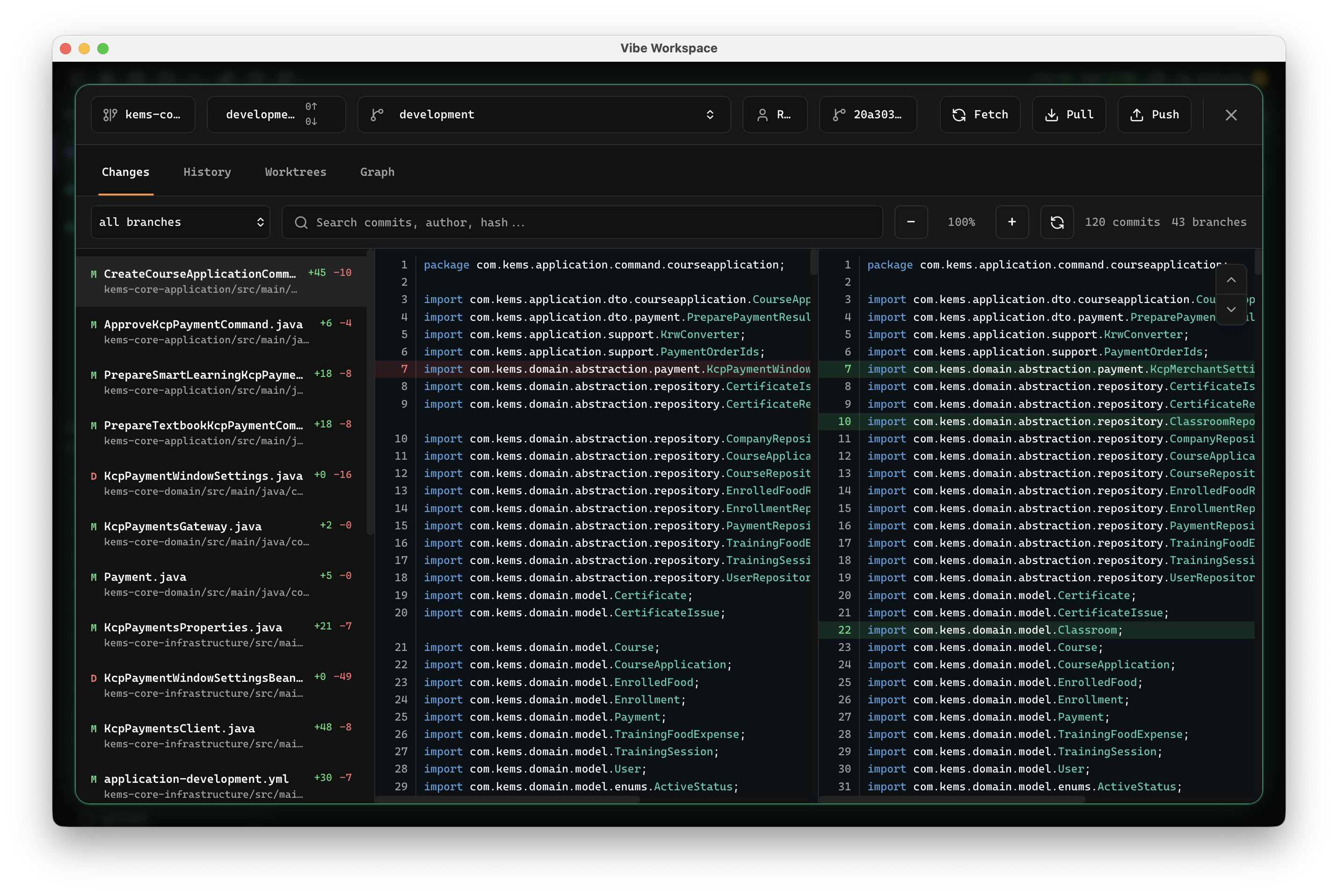
Review AI diffs before they touch your repo. Keep agent speed without giving up control.
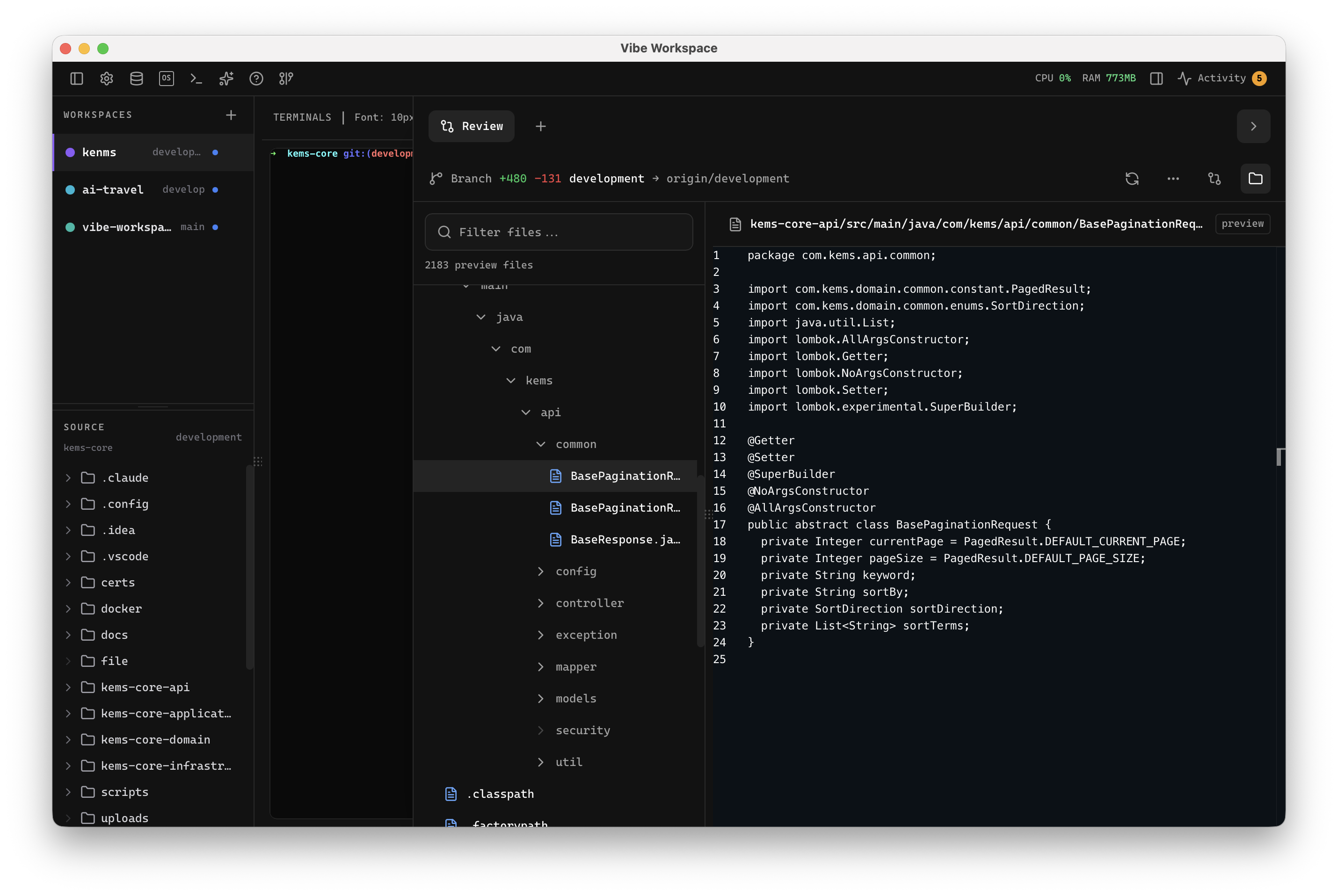
Send console logs, network failures, screenshots, and SQL results straight to your AI terminal.
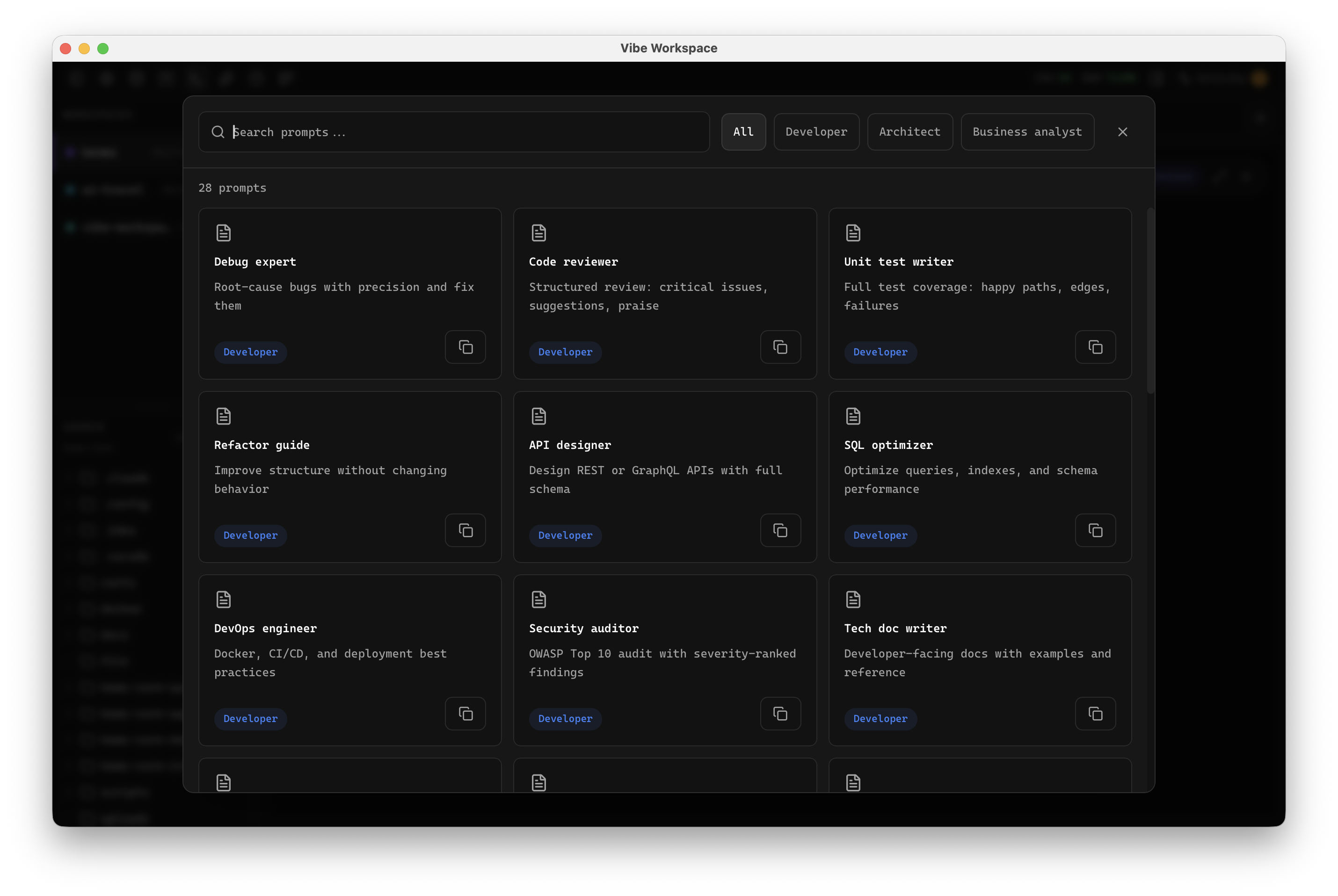
Use rich prompts, images, drag-and-drop context, screenshots, and @mentions without leaving your workflow.
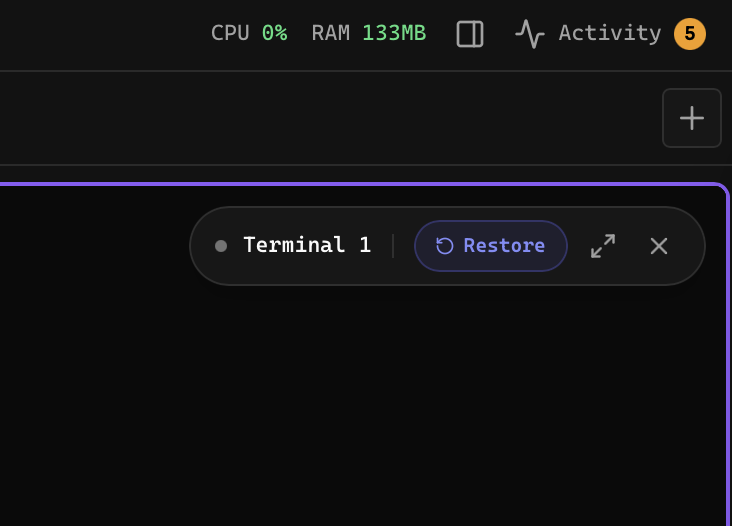
Persistent projects and agent sessions resume where you left off after a restart.
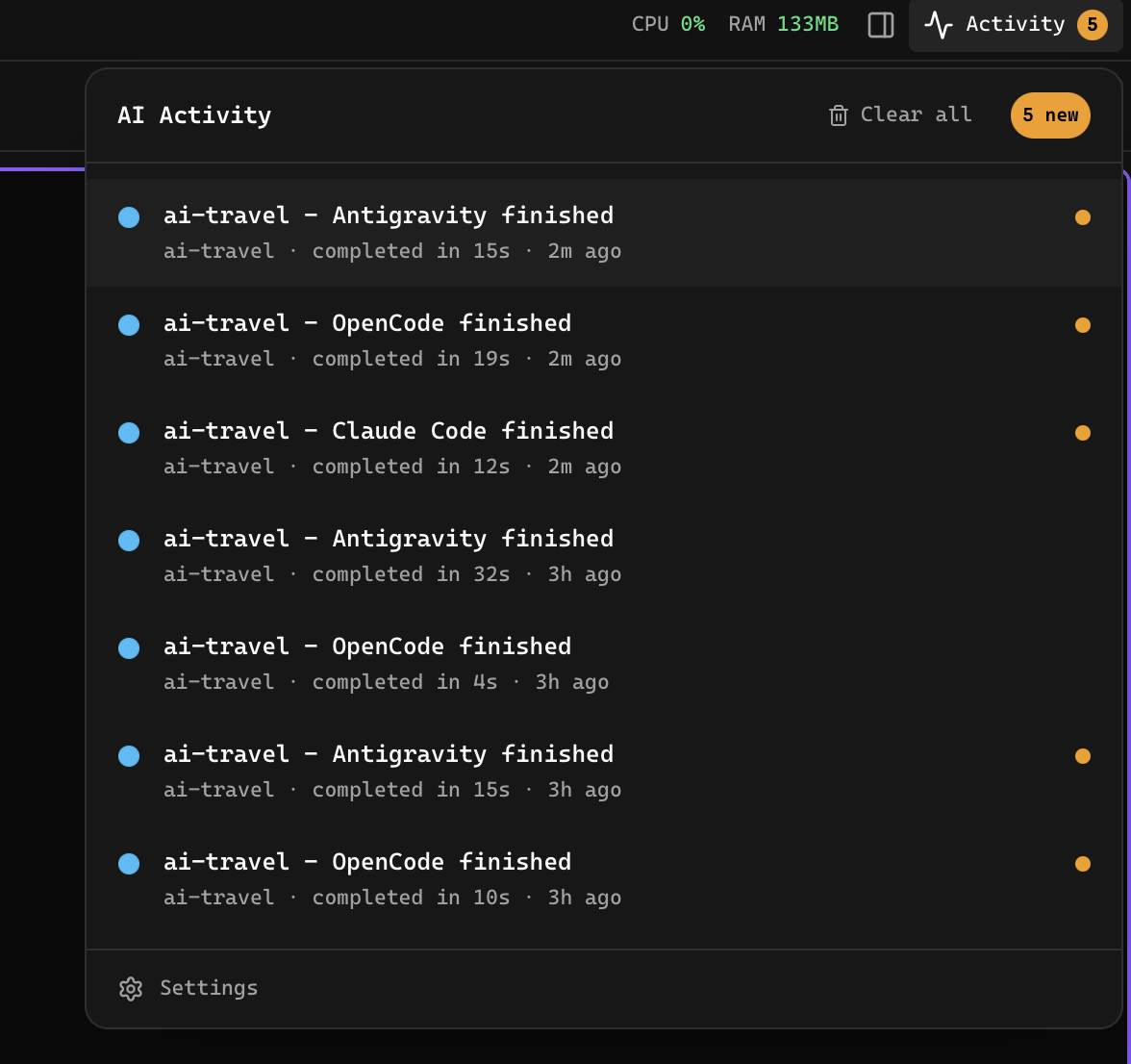
Smart notifications show who is running, waiting, done, or stuck across every project.
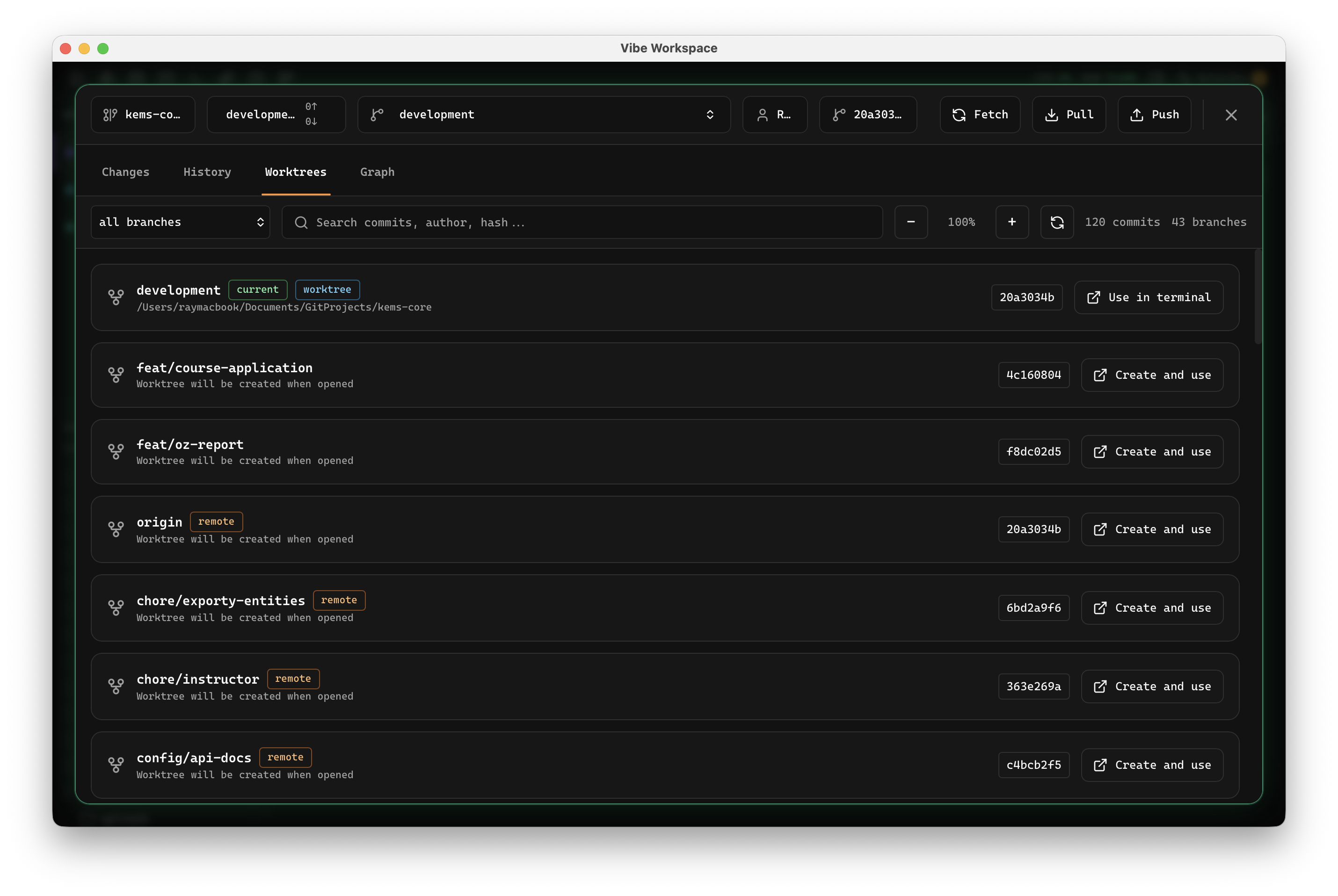
Chain Plan, Review, Revise, and Ship flows across different AI CLIs with checkpoints.
tmux, VS Code, Postman, TablePlus, Sublime Text — every tool in your dev stack lives in its own window. VibeWorkspace fuses them into one workspace with AI built in.
| FEATURE | VibeWorkspace $10 lifetime | tmux + iTerm Free terminal only | VS Code Free editor only | Postman Free or $14/mo | TablePlus $99 one-time | Sublime Text $99 one-time |
|---|---|---|---|---|---|---|
| Multiple terminals at once | ||||||
| Persistent terminals (survive restart) | ||||||
| Flexible terminal layouts (split, grid, tabs) | Basic | |||||
| Parallel multi-CLI agents (Claude, Codex, Gemini) | Manual | |||||
| Smart notifications when agent finishes | ||||||
| AI session continuity (resume across restarts) | ||||||
| Activity feed across all projects | ||||||
| Terminal record & replay | Manual |
“The UX feels focused and intuitive. I can keep my AI sessions, browser, and project context together instead of rebuilding the workspace every morning.”
“Running Claude Code and Codex across multiple projects used to mean a desktop full of terminal tabs. VibeWorkspace makes the setup manageable.”
“I use AI to assist with coding every day. A persistent workspace with terminals, diffs, database, HTTP, and browser context is exactly what my workflow needed.”
“The first workspace that makes multiple AI agents and projects feel organized instead of chaotic.”
Vibe coding is a fast AI-assisted development workflow where developers describe intent, run AI coding agents, review generated changes, and keep shipping without constantly switching tools. VibeWorkspace gives that workflow one workspace.
VibeWorkspace is built for vibe coding with multiple AI agents. It keeps Claude Code, Codex, Gemini CLI, Amp, OpenCode, Cline, terminals, browser context, HTTP requests, database queries, and AI diffs in one desktop workspace.
Claude Code, Codex, Gemini CLI, Amp, OpenCode, Cline, bash, zsh, and custom commands. If it runs in a terminal, it works in VibeWorkspace.
Yes. VibeWorkspace is planned for macOS, Windows, and Linux with full terminal support and project-level persistence.
No. The launch offer is $10 lifetime when you are ready, with a 7-day trial ($0 for 7 days with full feature access) to start.
Yes, if your local model has a CLI. Run Ollama, LM Studio helpers, or any custom local agent as a terminal command.
The workspace is designed for SQL, NoSQL, cache, vector, and specialized engines, with schema browsing and query results available to your AI context.
Your editor, terminals, browser, HTTP client, and database all in one window. Try the 7-day trial. $10 lifetime when you are ready.